From your knowledge to their screen
A thoughtful guest guide.
A straightforward setup.
GuestsBoard is the guest-guide service; the Pi connects it to your display. Add your house information, choose a theme, and enable the included AI concierge when you want. Update content from your dashboard.
-
01
Choose the right hardware
Use an available HDMI input on a smart or non-smart TV. Our TV Display Kit supplies a pre-configured Pi and its accessories; the SD Card Kit is for your own Pi 4 or 5. Check power, Wi-Fi coverage, and the display location first.
-
02
Build your property guide
Add the Wi-Fi details, a welcome note, house rules, amenity instructions, local favorites, and host contact information. Choose your theme and property photos.
-
03
Plug in and pair
Connect power and HDMI, select the correct TV input, connect the device to Wi-Fi, and follow the pairing instructions to associate the screen with your property.
-
04
Walk through it as a guest
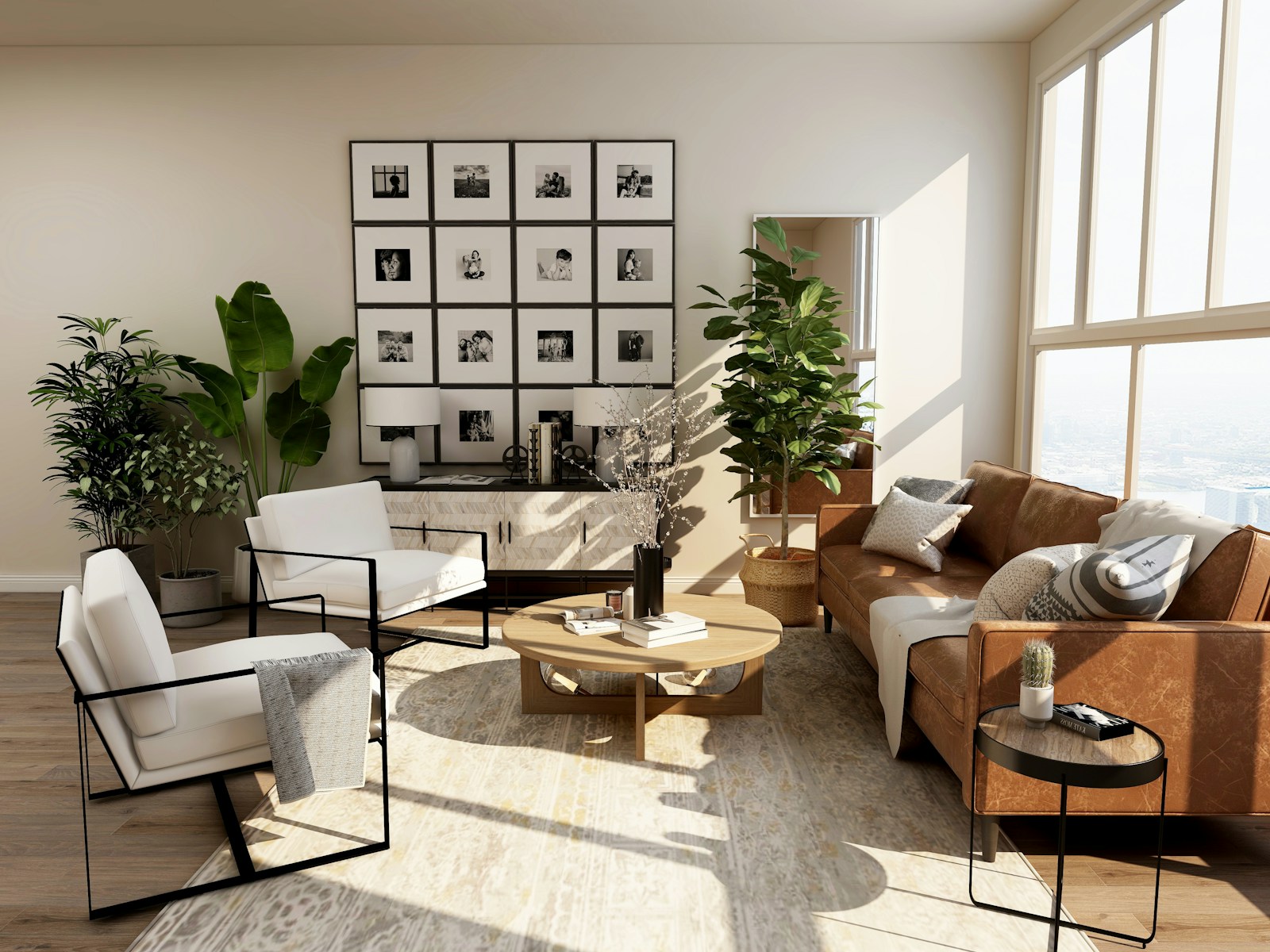
Read the screen from the sofa. Check your Wi-Fi details and checkout steps. If the concierge is enabled, connect a phone to the property network and test the scan-to-chat flow.
Content preparation takes as long as your property needs. Have your house details, Wi-Fi information, and photos ready before installation.
Keep it fresh from your dashboard.
Update a restaurant recommendation, change the Wi-Fi details, or revise a house instruction. Your connected screens receive updated property content without a visit to each room.
Explore optional reservation sync →Ready for real life
A few useful
things to know.
Will it work on a non-smart TV?
Yes, with an available HDMI input. The Raspberry Pi runs GuestsBoard and connects to your property’s Wi-Fi; the TV displays the guide. The screen must be powered on with the GuestsBoard input selected. Interactive navigation requires compatible input hardware; a regular TV does not become a touchscreen.
Is AI concierge an extra charge?
No separate AI subscription is required. AI concierge is included with every display subscription, and you choose whether to enable it. Monthly, per-stay, session, and service traffic limits apply. See how AI usage works.
Can guests still watch TV?
Yes. GuestsBoard uses an HDMI input. Guests can switch to their usual TV input or app, then return to the GuestsBoard input. The guide is visible while its input is selected. A dedicated display keeps it available throughout the stay.
Do guests need an app?
No app is needed to read the display. The included phone concierge opens in a browser after guests join the property Wi-Fi and scan the on-screen code.
How do guests navigate a regular TV?
A standard TV can show the guide without touch input. Interactive navigation needs a compatible connected input device, or a touchscreen. The phone concierge provides a separate way to ask questions. Contact us to confirm your intended setup.
What happens if the internet goes down?
A paired board can continue displaying previously cached property information. Content updates, reservation sync, and AI answers need an internet connection.
Can I use it without a property management system?
Yes. Add your property information directly in GuestsBoard. A supported reservation integration is optional and enables automatic guest names and stay details.
For the stays they'll remember
A little more welcome.
A little less work.
Give your property a guide that feels as thoughtful as the stay.